3 Common Label Printer Problems and How to Fix Them
Label printer problems can stall a business. Learn how to fix three common ones: installation errors, unreadable barcodes and labels that will not print.

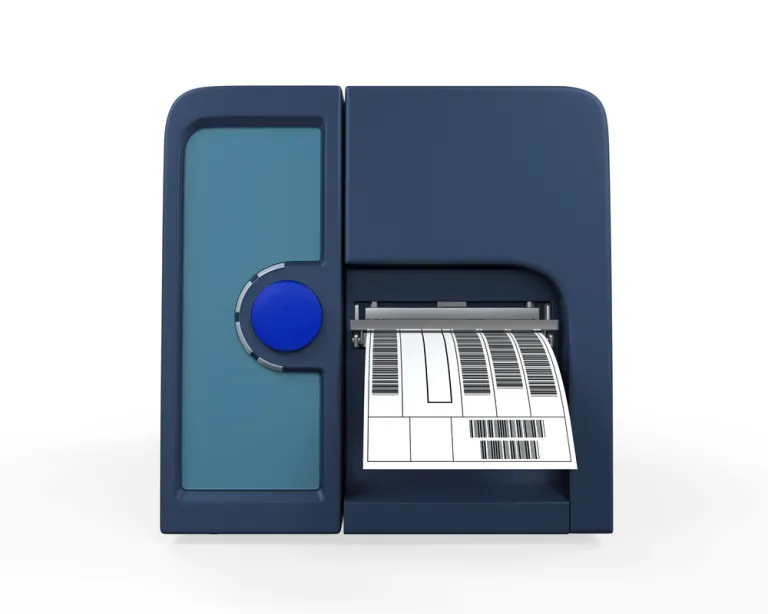
Printers and scanners are in high demand today, and as more businesses go digital, it is no surprise that both devices have become part of everyday business operations. Thanks to rapid advances in technology, printers are no longer limited to printing documents. They now print labels, cables, barcodes and more. Still, a printer is a machine, and it can break down or act up so that it stops working the way it should. This article covers the problems people most often run into with label printers in Indonesia:
Installation Errors
One of the most common problems label printer users run into is an installation error. The sign is a light that keeps blinking instead of staying on standby. Label printers have more complicated components than ordinary printers, which makes installation mistakes quite likely. Look up a tutorial on how to install the label printer's components correctly, or ask the seller of the printer.
Barcode Data Cannot Be Read
Another frequent problem with label printers in Indonesia is that the data on a printed barcode cannot be read. This becomes a serious issue, especially when the data on every barcode in a batch is unreadable. The cause is usually a ribbon that is not threaded along its proper path, so the label sensor cannot read the gap, black mark or size of the label. The fix is to make sure the ribbon is installed correctly.
Printer Will Not Print Labels
In this case, the label paper will not come out even after the feed button has been pressed several times. If you run into this, the software or hardware settings are probably wrong. Adjust the settings in the label design software and make sure the label size is set correctly. Likewise, check that the hardware settings are properly calibrated.
A machine that is out of order or not working will hold up business activity. So if your label printer has a problem, try the fixes described above to get it working again.